YouTube to transcript, ready to use
Turn a video into clean, structured text you can search, export, and build on.
Any source in, real text out
Every tool gives you accurate, exportable text — copy, TXT or SRT, no signup required. Here’s what each tool does.





Any source
Turn any video into clean, structured text
Paste a YouTube, TikTok or Instagram link, or drop a video, audio or podcast file — gistmint returns an accurate, readable transcript you can search, quote and reuse. No hunting for a hidden caption track.
Get a transcript
Export how you need it
Copy, TXT or SRT — timestamped or plain
Download the transcript as plain text, copy it straight into your notes, or export SRT/VTT subtitles with timestamps. Convert between subtitle formats without wrangling files by hand.
Download subtitles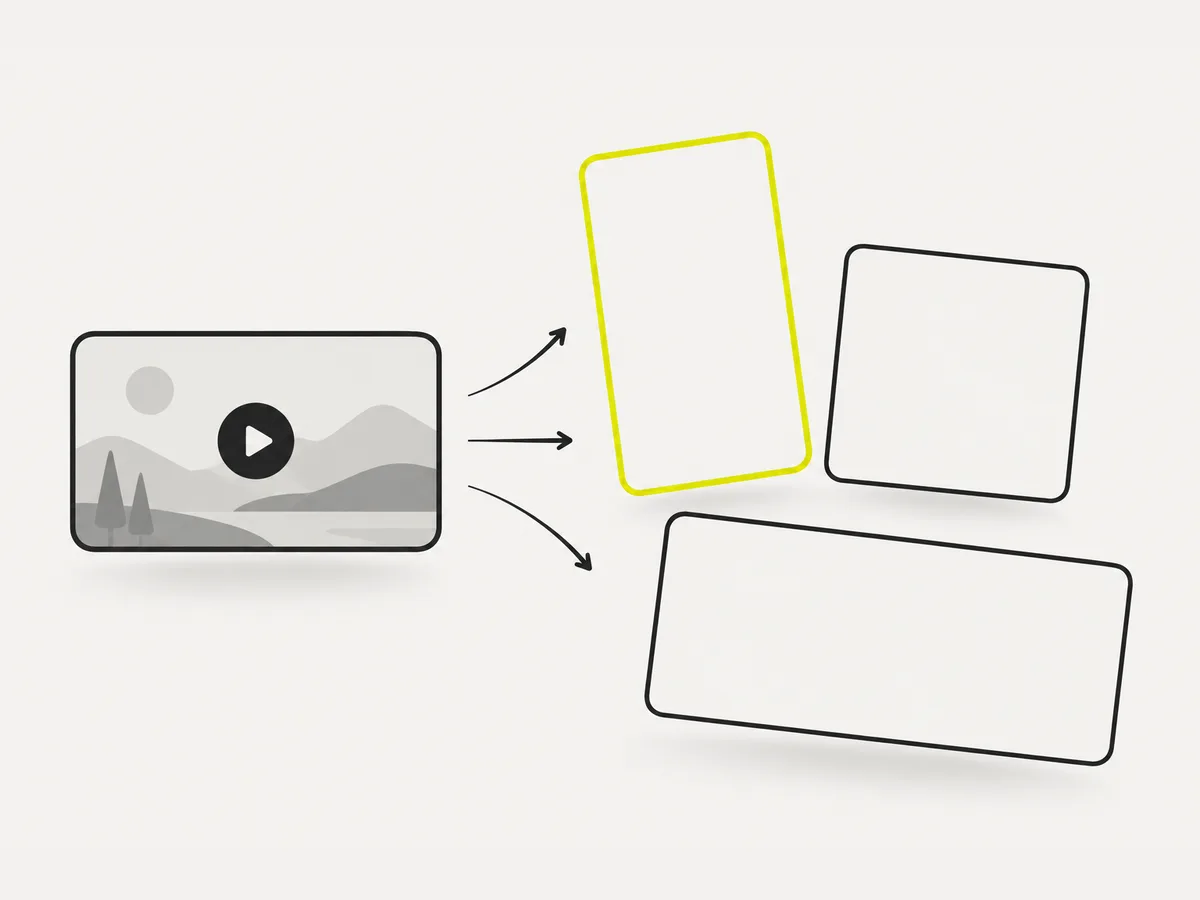
Free to start
Get the text first, sign up only if you want more
The core transcript tools run free with no signup. Log in when you want a library of your transcripts, followed channels, folders and bulk — the retention layer, not a paywall on the basics.
Transcribe a video
Everyday video jobs, done in your browser
Search a whole talk in seconds. Turn a lecture, interview or webinar into readable text you can Ctrl-F, skim and jump around.

Pull an exact quote with its timestamp. Get accurate, speaker-aware text so you can cite the line and the moment it was said.
Caption a clip in one click. Download clean SRT or VTT subtitles ready to upload — no manual timing, no reformatting.
Any video, into structured text
Paste a link or drop a file and gistmint returns a clean, accurate transcript you can search, quote, caption and export — free to start, no signup.
The whole toolkit
Grouped by what you want to do. The everyday tools are free and run in your browser; the AI tools add transcription, background removal, clips and more.
Transcribe
5 live · view all →Youtube Transcript
VideoTurn a public YouTube video into clean, readable text.
Video Transcription
VideoTranscribe a video to accurate text, subtitles or captions with AI.
Instagram Transcript
VideoGet a clean text transcript of any Instagram reel or video.
Transcribe M4a
AudioUpload an M4A voice memo or recording and export a timestamped transcript.
Yt Transcript
VideoGet a readable transcript with timing from a YouTube video.
Who it's for
Is this for me?
If you ever have a one-off video task and do not want to install software or sign up for a subscription — yes.
Creators & editors
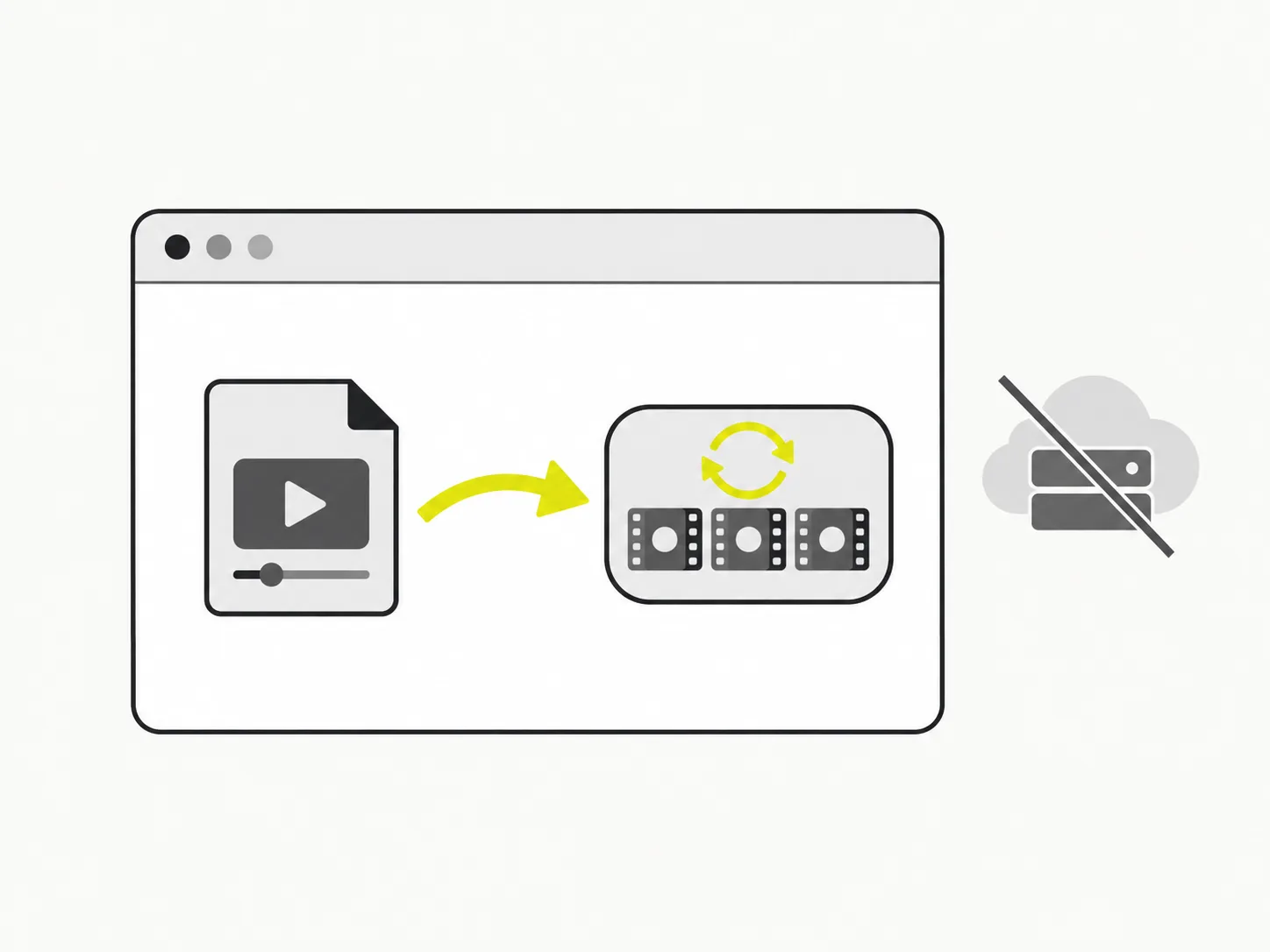
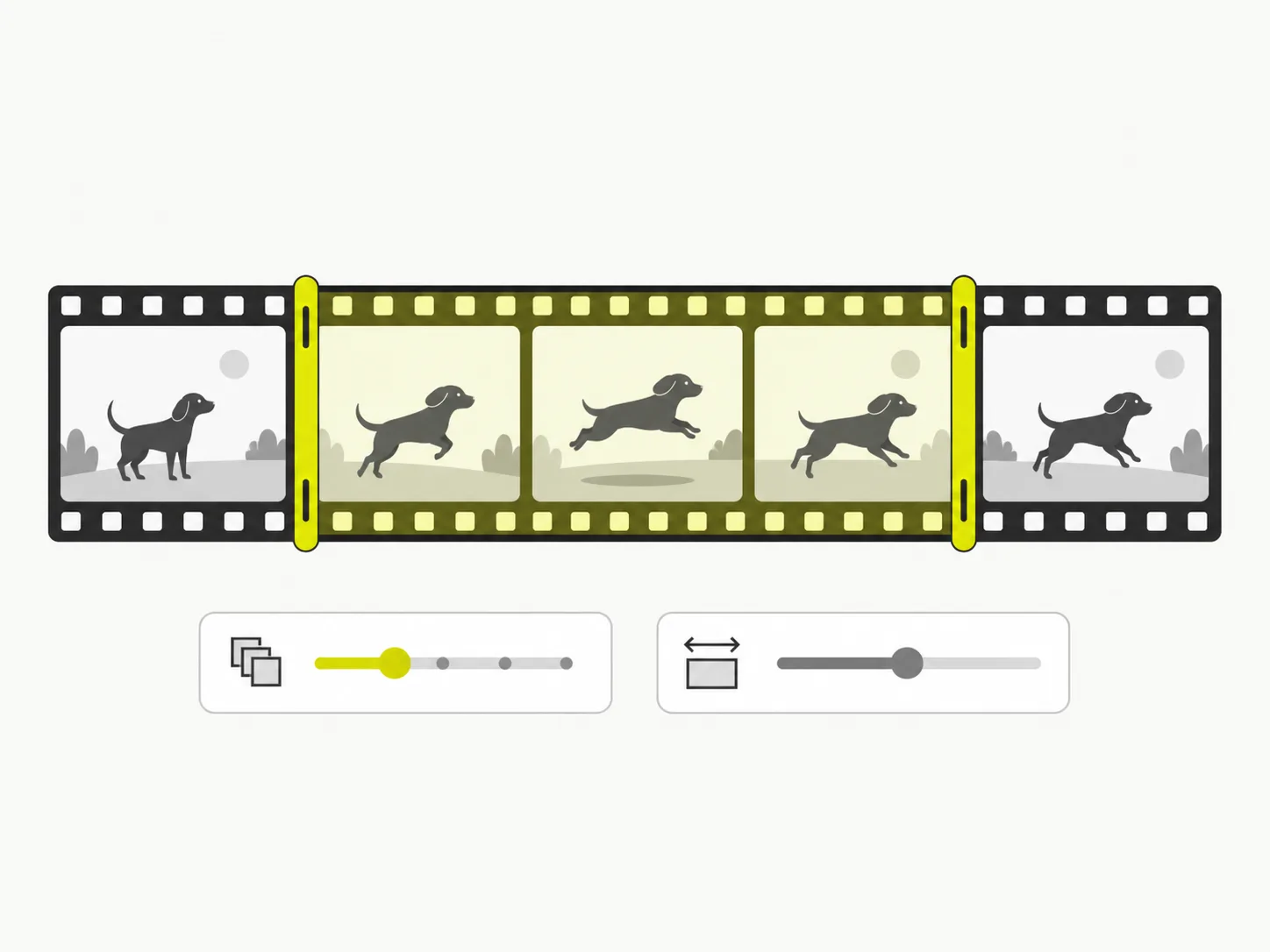
Grab a clean GIF, crop a clip for a Reel or pull a smaller MP4 without opening a heavy editor. Free, in the browser, and nothing gets uploaded while you work.

Social media managers
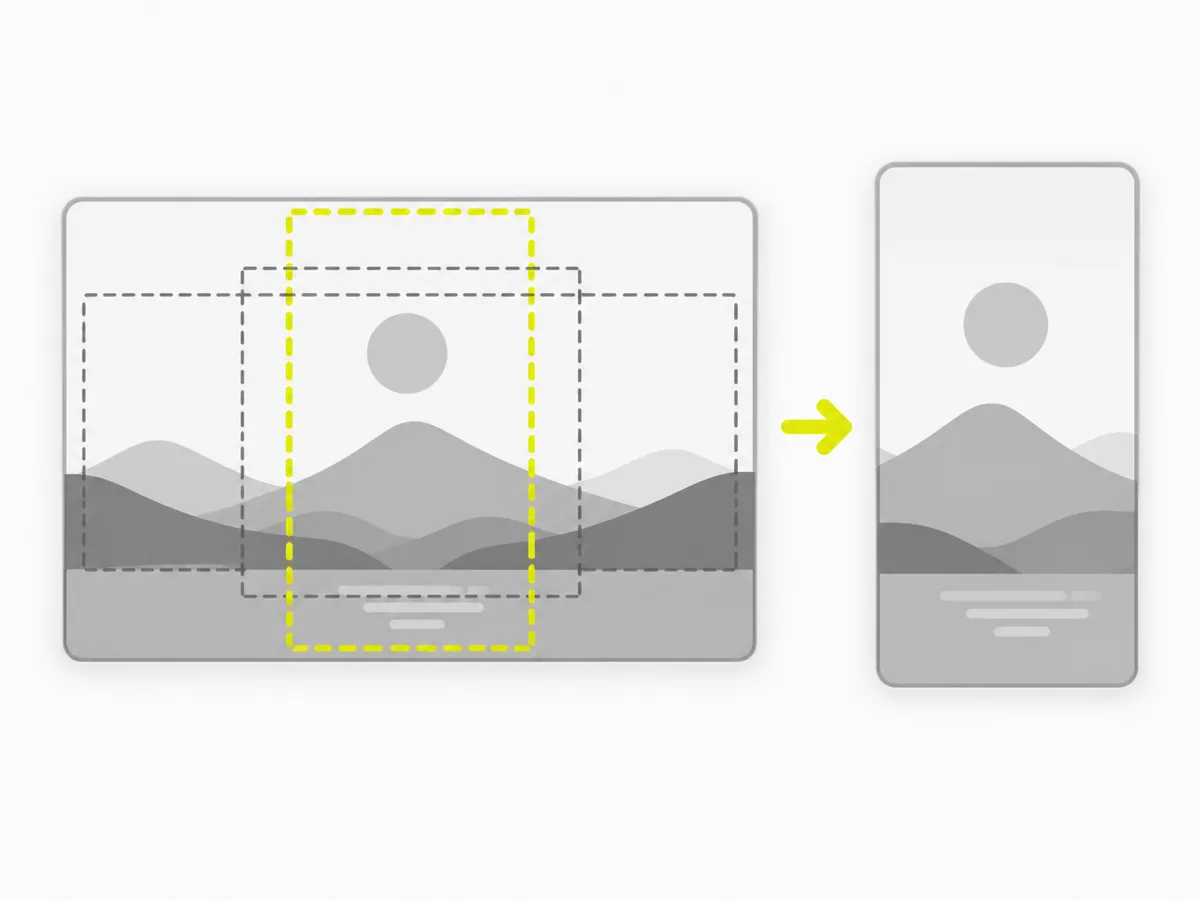
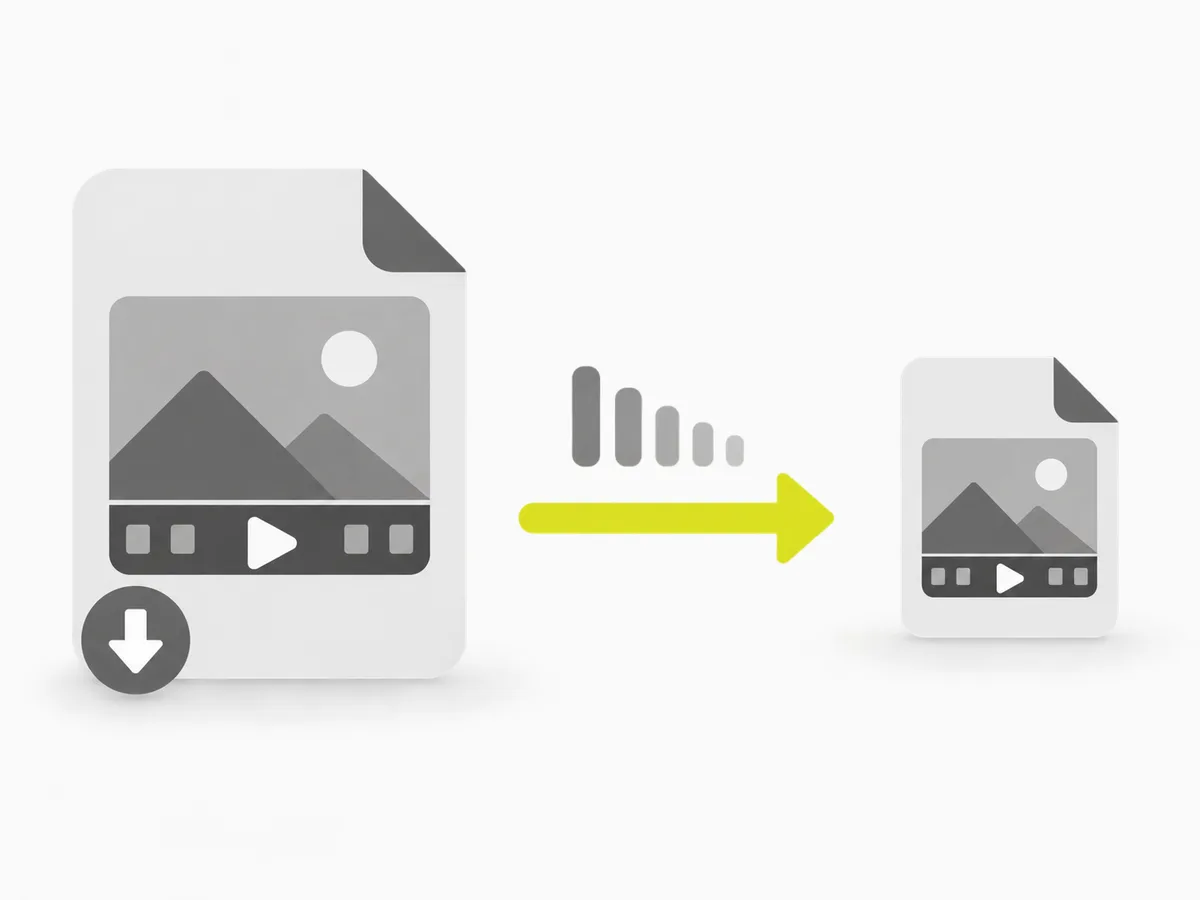
Reframe one video to every platform aspect ratio and compress it under a chat or upload limit — no per-seat software, no account, and a real file to download.
Students & researchers
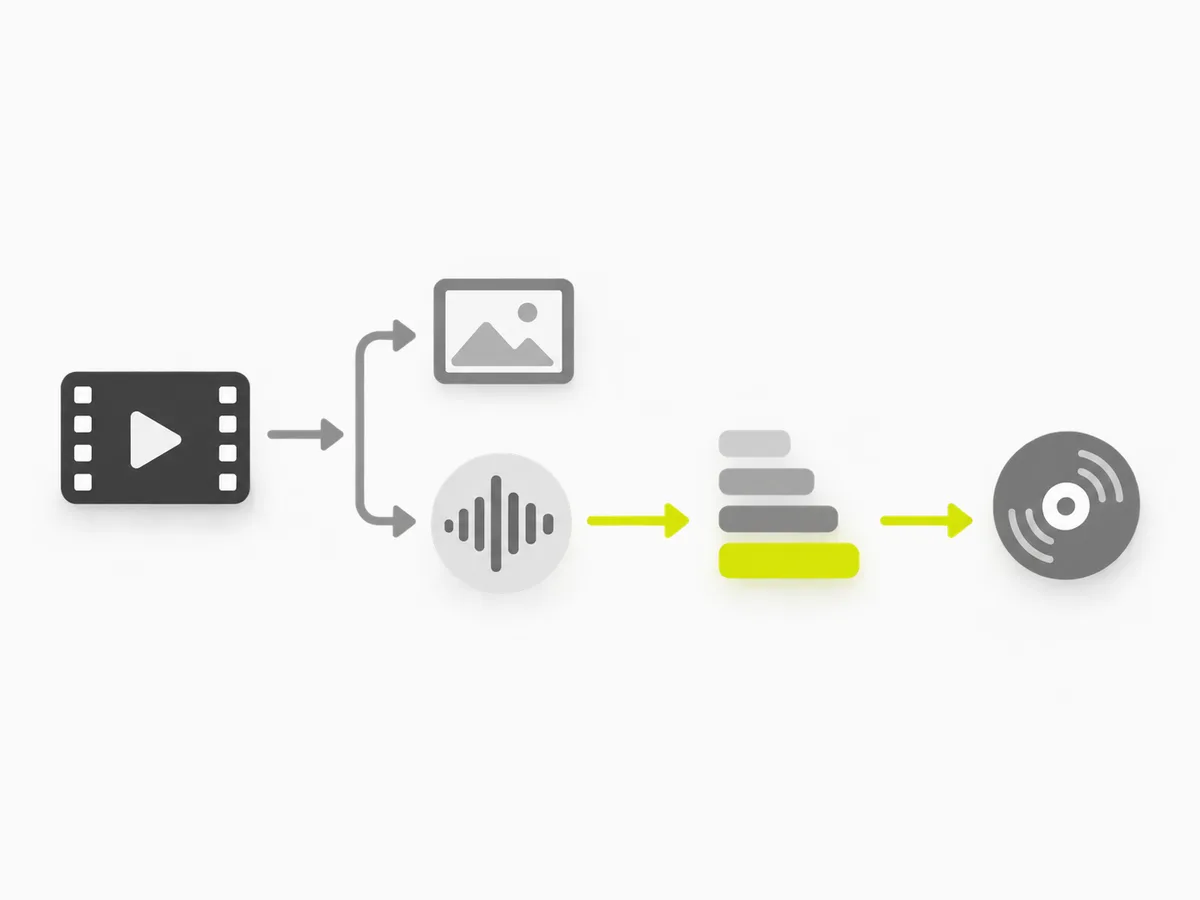
Turn a lecture recording into an MP3 to revise on the go, or trim a clip for a presentation. No signup, so you are not handing over an email to do one small task.
Everyone at work
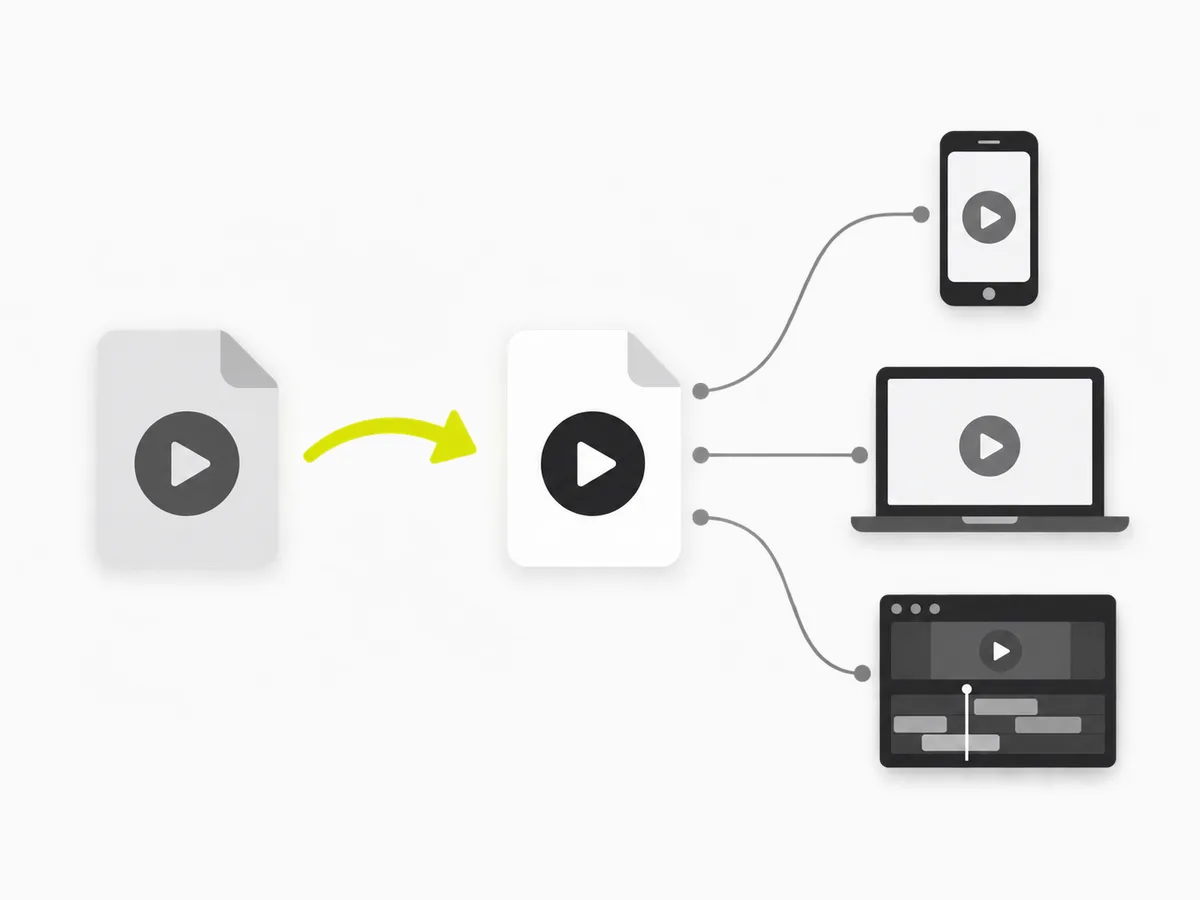
A recording that will not upload, a WebM that will not play, a file that is too big to email — the everyday media chores, each with its own tool that just works.
Built to be trusted
No accounts required for the essentials, no uploads, no surprises — just tools that do exactly what they say.
Free where it counts
The everyday tools stay free. Upgrade only for the AI features, higher limits and saved projects.
Free
$0/mo
The everyday tools, free
- Compress, convert, crop & GIF
- No signup, no upload
- 4 credits on sign-up to try AI
Pro
Popular$9.99/mo
100 credits / month
- Everything in Free
- Higher limits and saved projects
- AI tools as they ship
Pick a tool and go
The core transcript tools are free and need no signup. Log in when you want a saved library, followed channels, folders and bulk.